
New: MiniMax H3 Image, released November 11
H3 Image GeneratorTry MiniMax H3 Image online
Describe a scene or drop in reference photos, then render it with H3 Image in Standard or Ultra, up to 4K. No GPU, no download, nothing to install.
What is H3 Image?
H3 Image (MiniMax-H3-Image) is MiniMax's image generation model, built on its H3 video model and released with open weights on November 11, 2026. One checkpoint handles text-to-image, reference-based generation and image editing, and it is tuned for rich, natural detail rather than the glossy look many AI images have.
- MiniMax says it renders a full 4K image (4096 × 4096) in under 10 seconds.
- Prompt adherence is its other headline: it follows long, specific scene descriptions and short quoted text.
- On TryH3Image you run it in the browser: Ultra renders 1K to 4K, Standard renders 1K or 2K, and edits take up to 9 reference images.
Sources: MiniMax announcement · Hugging Face model card
H3 Image examples
Real H3 Image outputs, from film photography to tarot cards and game concept art. Hover a picture to copy a prompt that gets you started, or open it in the generator.
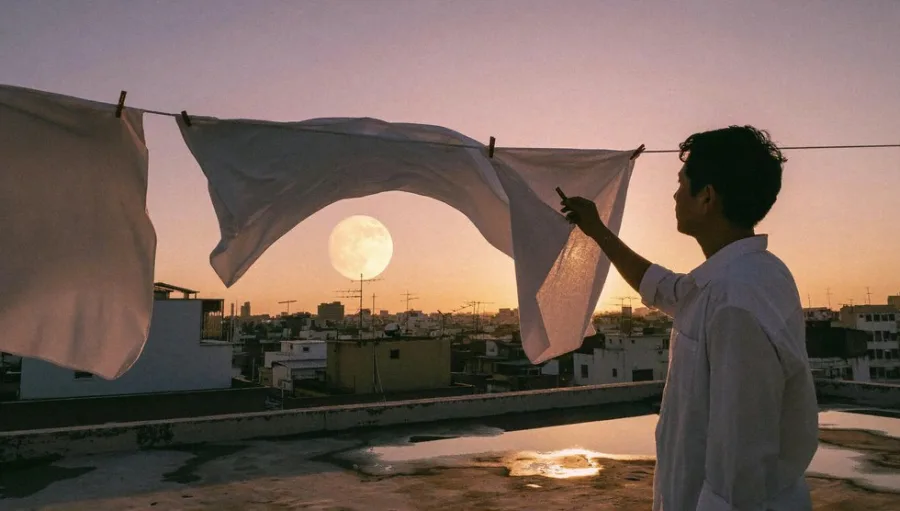
A 35mm film photograph at dusk: a young man in a white shirt hangs white bed sheets on a rooftop clothesline, a huge full moon rising behind the sheets, a low city skyline, warm pink and amber sky, puddles on the concrete reflecting the light.
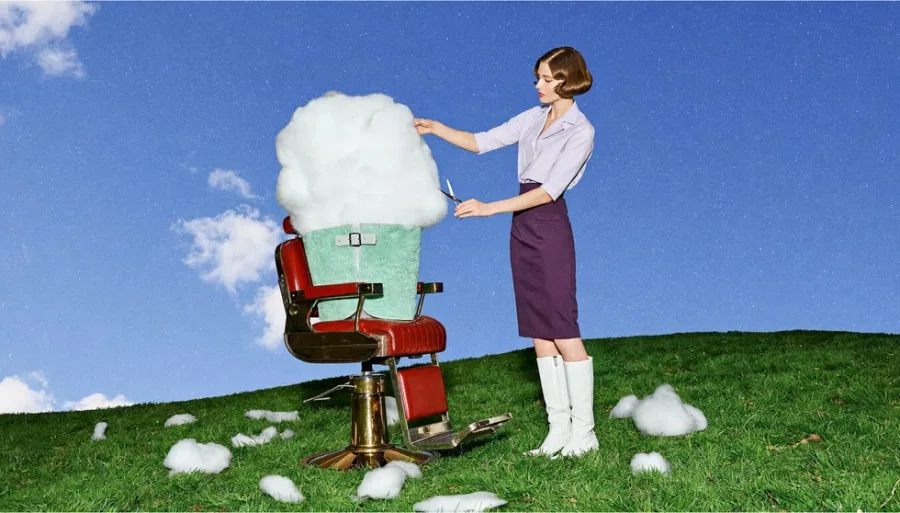
Use in generatorA surreal editorial photograph: a 1960s-styled barber trims a fluffy white cloud sitting in a red vintage barber chair on a green hillside, bright blue sky, small cloud tufts scattered on the grass, saturated film colours.
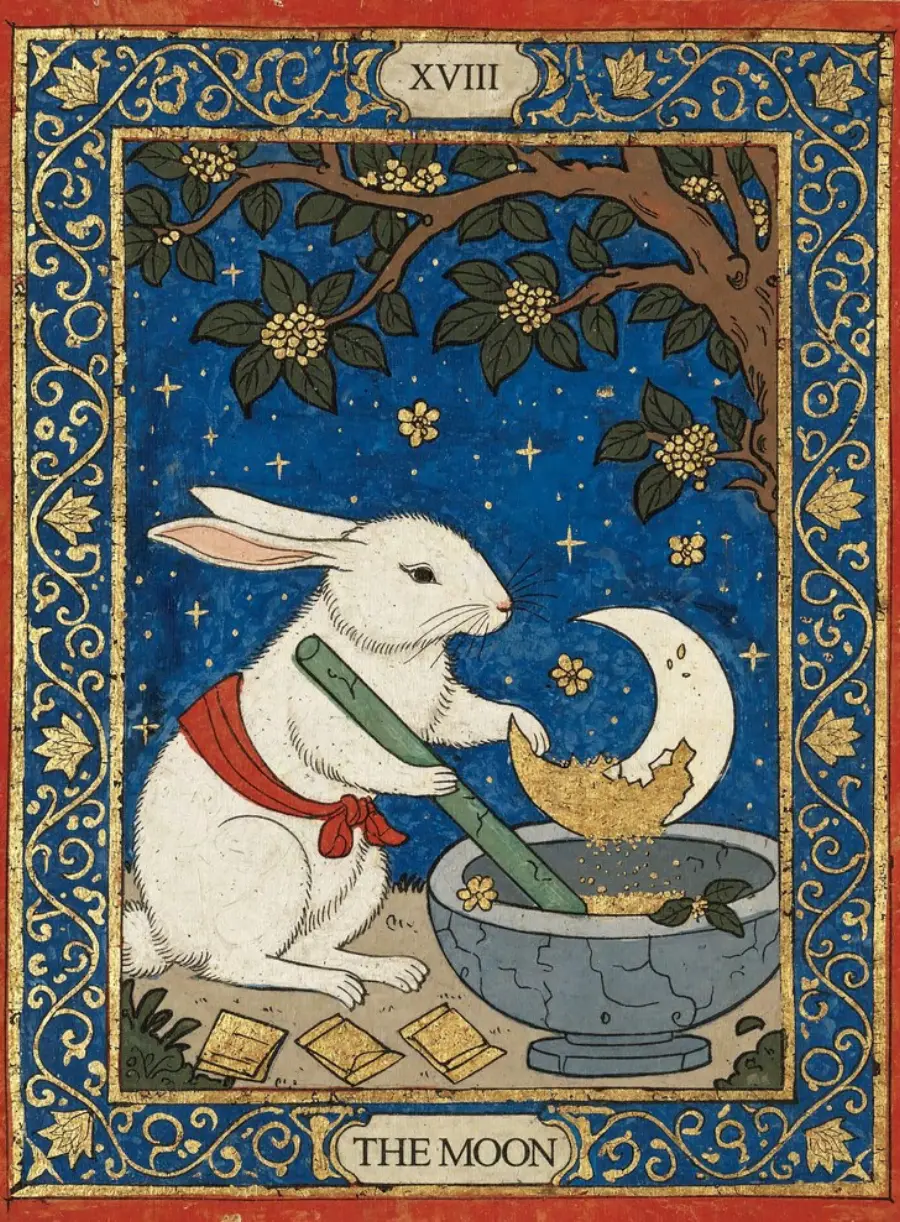
Use in generatorAn illustrated tarot card with "XVIII" at the top and "THE MOON" at the bottom: a white rabbit wearing a red scarf grinds gold dust under a crescent moon, deep blue night sky, ornate gold and blue floral border, flat gouache style.
Use in generator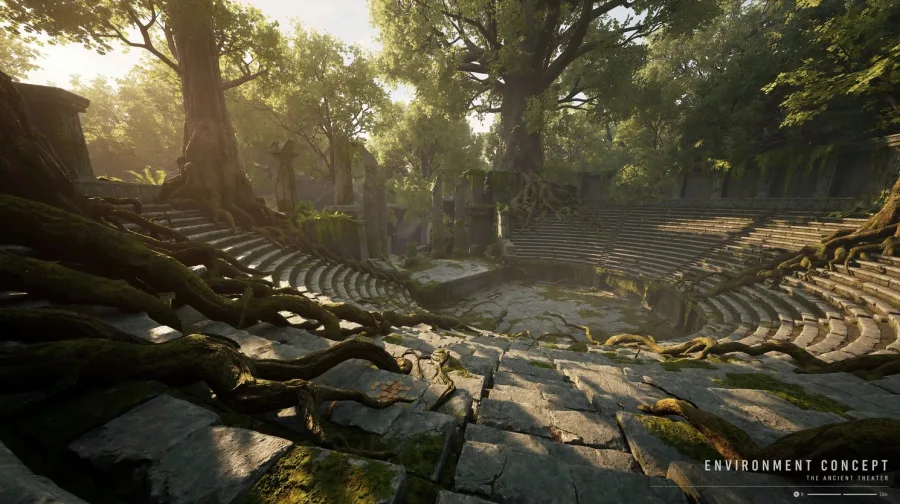
An environment concept frame: the overgrown ruins of an ancient open-air stone theatre in a forest, huge tree roots across the stone seats, warm sunbeams through the canopy, a small caption "ENVIRONMENT CONCEPT" in the lower right corner.
Use in generator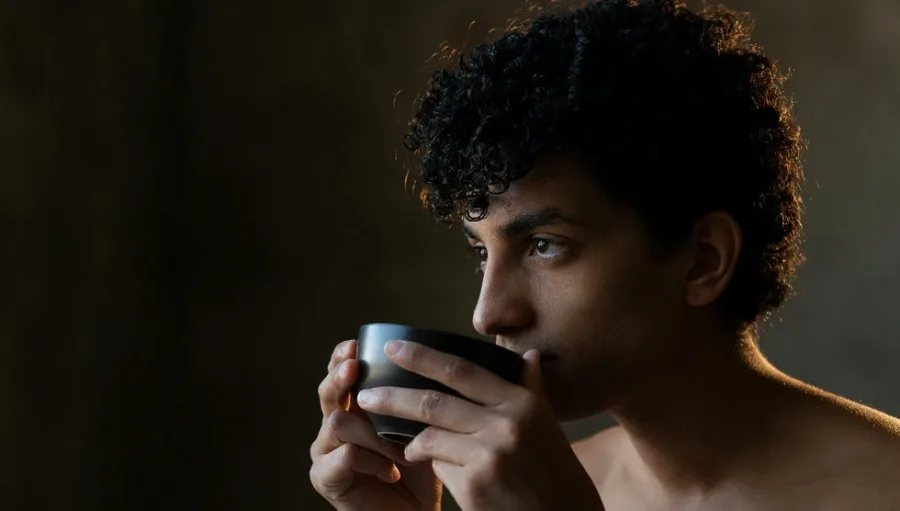
A close-up studio portrait of a curly-haired young man sipping from a dark ceramic cup, eyes looking off to the left, warm low-key side light from the right, deep brown background, real skin texture, shallow depth of field.
Use in generator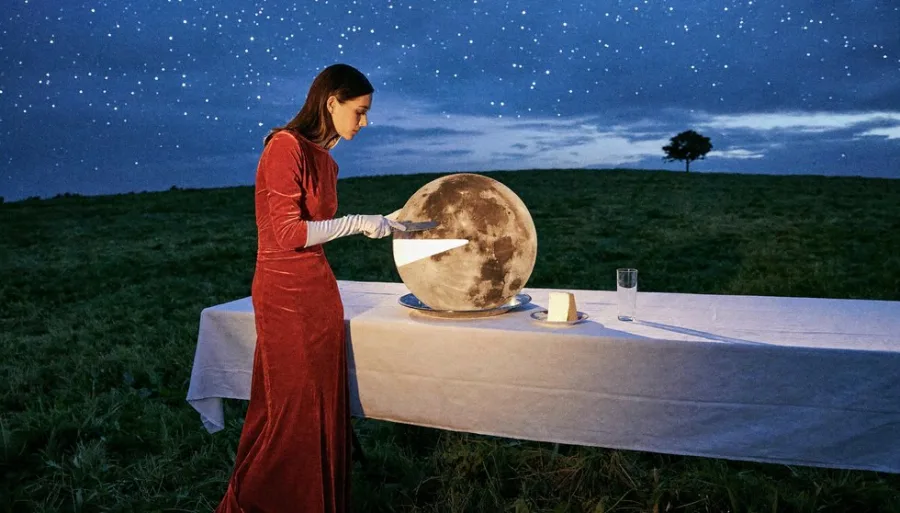
A surreal night photograph: a woman in a long red velvet dress slices a glowing full moon on a white-clothed table in an open field, starry sky, a lone tree on the horizon, cinematic flash lighting.
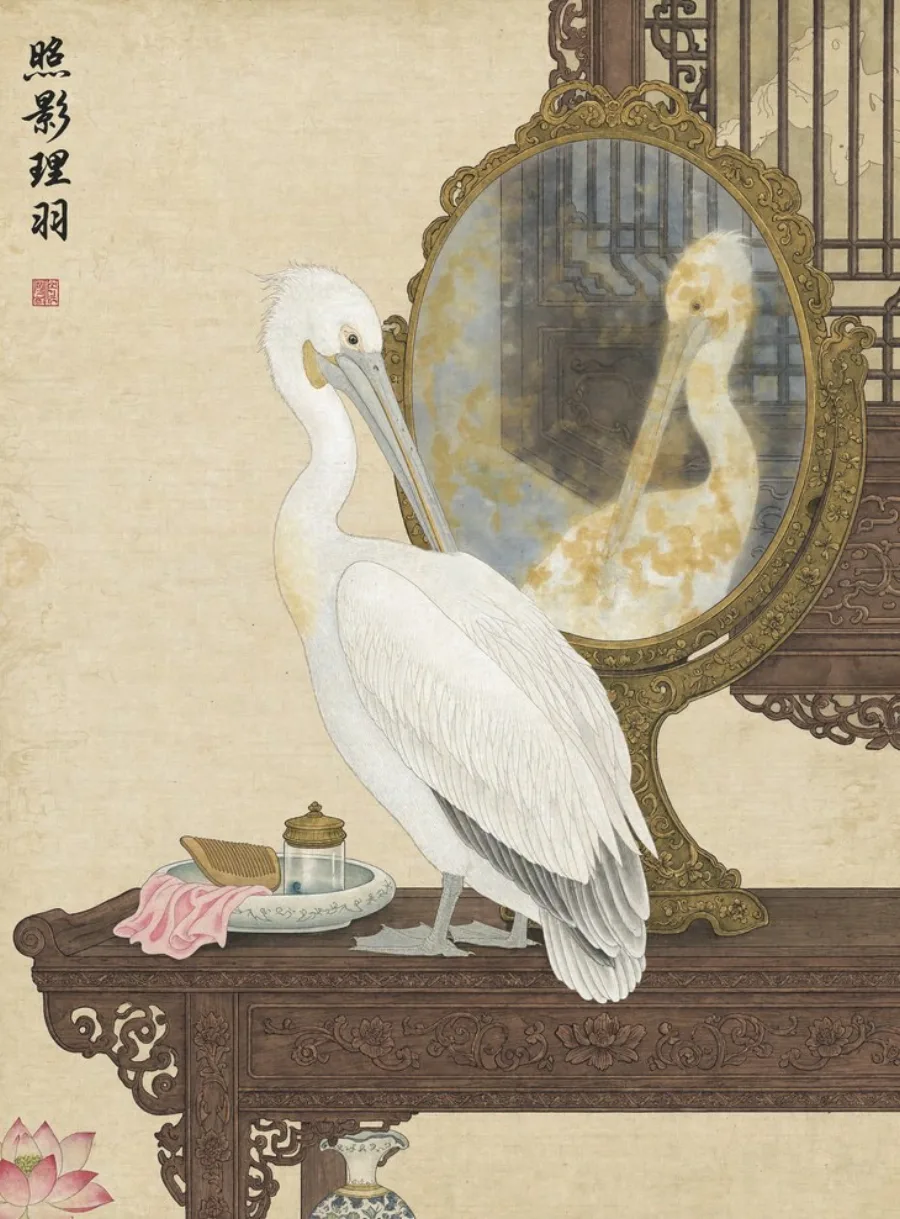
Use in generatorA Chinese gongbi painting on aged silk: a white pelican preens in front of an ornate oval mirror on a carved rosewood table, a comb and small dishes beside it, four calligraphy characters and a red seal in the upper left.
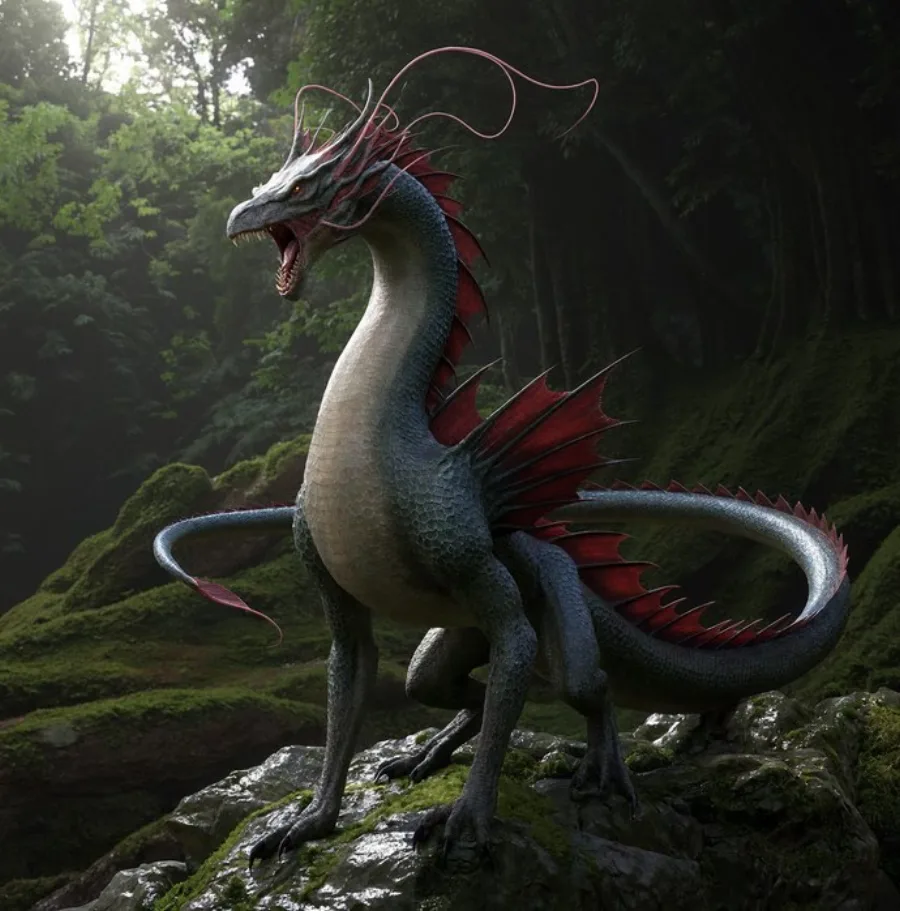
Use in generatorA cinematic creature concept: a slender serpent-like dragon with red fins and long whiskers perches on a mossy rock in a dark rainforest, wet scales, soft overcast light through the canopy, photoreal 3D render.
Use in generator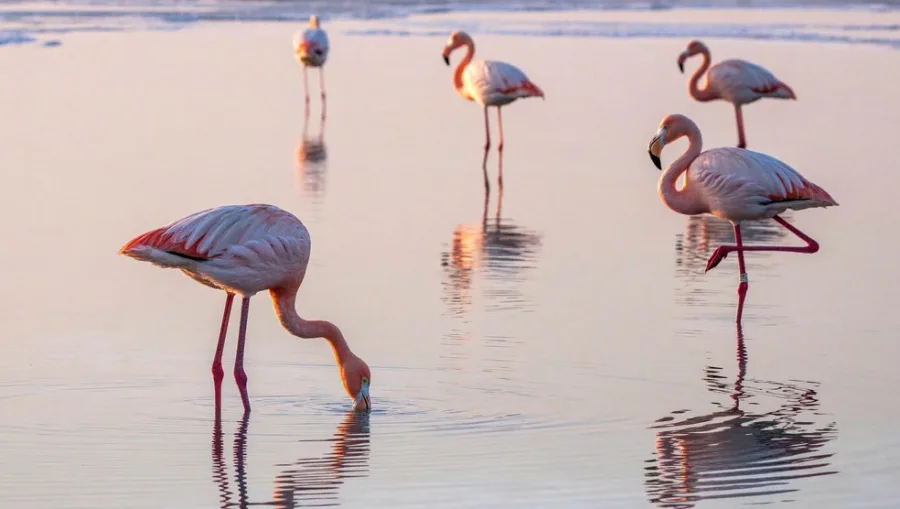
A wildlife photograph of pink flamingos wading in still shallow water at sunrise, one bird feeding in the foreground, a soft pastel pink sky reflected in the water, long telephoto lens, calm and quiet mood.
Use in generator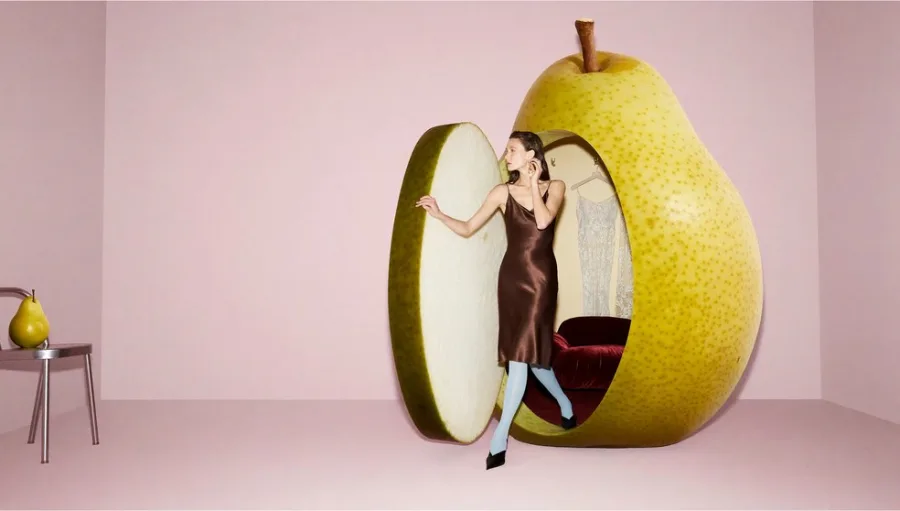
A surreal fashion photograph in a pale pink studio: a model in a brown satin slip dress steps out of a giant hollow yellow pear with a red velvet seat inside, a small real pear on a chrome stool, soft even light.
Use in generator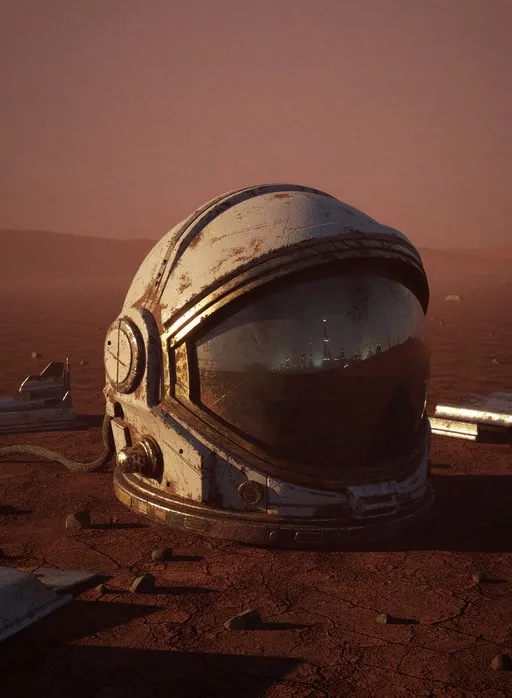
A photoreal still life on Mars: a weathered, dust-covered astronaut helmet lies on red rocky ground at dusk, the scratched visor reflecting the horizon, scattered debris, hazy orange atmosphere.
Use in generator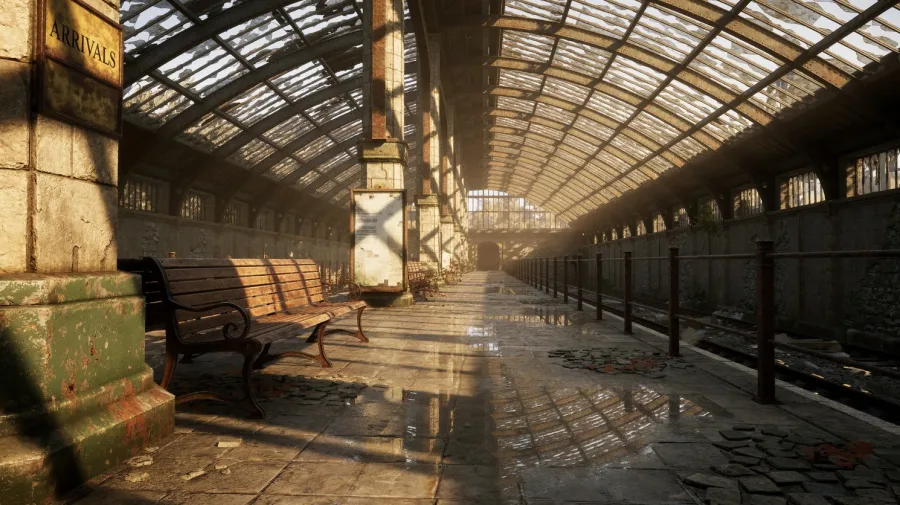
An environment concept: an abandoned railway station with a broken glass-and-iron roof, long sunbeams across the wet platform, wooden benches and rusted rails, an old sign reading "ARRIVALS" on the left pillar.
Use in generatorWhy try H3 Image here
The open weights are free, but running them is not. TryH3Image gives you both H3 versions in one place, ready in a browser tab.
Standard for drafts, Ultra for 4K
Sketch ideas quickly on Standard at 1K or 2K, then switch the same prompt to Ultra, the open-weights H3 Image, and render the final at 1.5K, 2K, 3K or 4K.
Edit with up to 9 reference images
Upload a product, a character and a room, and H3 Image combines them into one scene. Say what must stay the same and only that part is kept.
No 135 GB download
The model weights plus the H3 text encoder come to roughly 135 GB and need a data-center GPU. Here you type a prompt and get the image back, on any laptop or phone.
Failed runs give credits back
If a generation fails, its credits are returned to your balance automatically, so testing a hard prompt costs nothing when it does not finish.
How to use H3 Image
Three steps from an idea to a downloaded image.
- 1
Write a prompt or add references
Describe one scene in plain sentences. To edit, upload up to 9 photos and say what should change and what should stay.
- 2
Pick the version and size
Choose Standard or Ultra, one of 15 aspect ratios from 3:1 wide to 1:3 tall, and the resolution you need, up to 4K on Ultra.
- 3
Generate and download
Run it, compare results in your history, and download the file as JPEG, PNG or WebP.
What people make with H3 Image
H3 Image is strongest where detail and realism matter.
Product and ad photos
Studio shots with real material texture, or place a product photo into a new setting with a reference edit.
Posters, covers and cards
Layouts with a short quoted headline, such as event posters, book covers and illustrated cards.
Concept art and environments
Game and film worlds, creatures and props, rendered at 4K so the detail holds up on a big screen.
Photo edits and composites
Relight a scene, swap a colour, turn a 3D grey render into a film still, or furnish an empty room from product shots.
H3 Image prompt tips
H3 Image follows detailed English scene descriptions best. These habits come from MiniMax's and the community's own guidance.
Say what the image is first
Open with the medium: "a 35mm film photograph", "an illustrated tarot card", "a frame from an anime series".
Describe one scene
Give a viewpoint, one main subject and where the light comes from, instead of a list of unrelated ideas.
Quote the words you want
Put text to render in quotes and keep it short. Headlines and labels come out well; long body copy is less reliable.
Skip the hype words
Words like "stunning", "8k" or "masterpiece" push images toward a glossy, oversaturated look. Plain description works better.
For edits, describe the result
Write what the finished image should show and what must stay unchanged, for example: the truck is red, keep everything else exactly as it is.
H3 Image FAQ
Quick answers about MiniMax H3 Image and how to use it here.